

Teams Overview
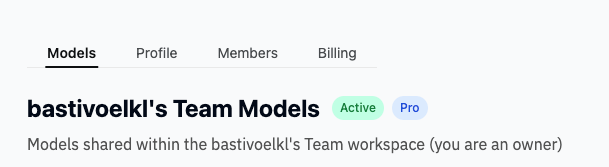
Teams are the central unit for collaboration in Dalus. When you sign up, you start with a personal workspace, but you can create or join teams to work with others. From your Dashboard, find the list of teams you belong to in the Left Sidebar. Click on a team to access its workspace. Each team has four pages:- Models — View and create models owned by the team
- Profile — Change the team name and settings
- Members — Manage who has access and their roles
- Billing — View and manage your subscription
Team Roles
Team members are assigned one of four roles that determine what they can do:
Subscription pricing is based on editor seats. For example, a team with 1 Owner, 1 Admin, 1 Editor, and 1 Viewer is charged for 3 editor seats (Owner, Admin, and Editor).
Managing Team Members
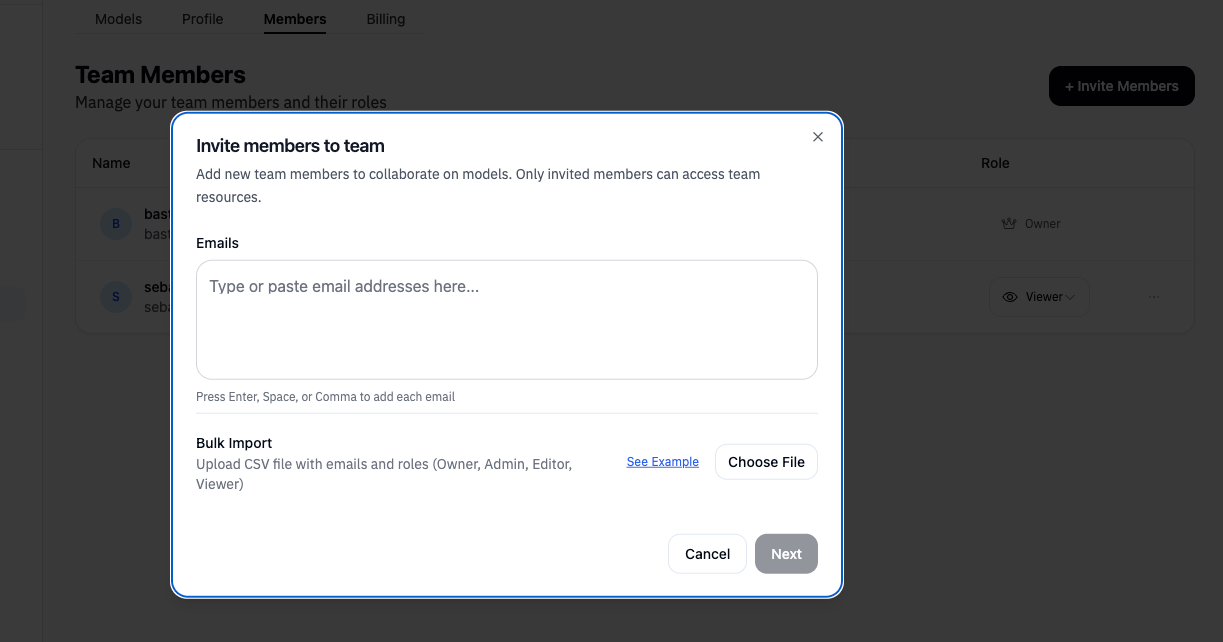
From the team’s Members page, Owners and Admins can:- Invite members by email with a specific role
- Change roles as responsibilities evolve
- Remove members who no longer need access
Sharing Models
Beyond team membership, you can share individual models with external collaborators.Share via Link
Click the dropdown next to the model name and select Share to open the sharing dialog. At the top right of the dialog, generate a shareable link that provides read-only access. This is useful for:- Sharing with stakeholders for review
- Getting feedback from external collaborators
- Presenting models to clients or management
Invite External Collaborators
You can invite people outside your team to specific models as Viewers. They gain access only to that model, not other team resources.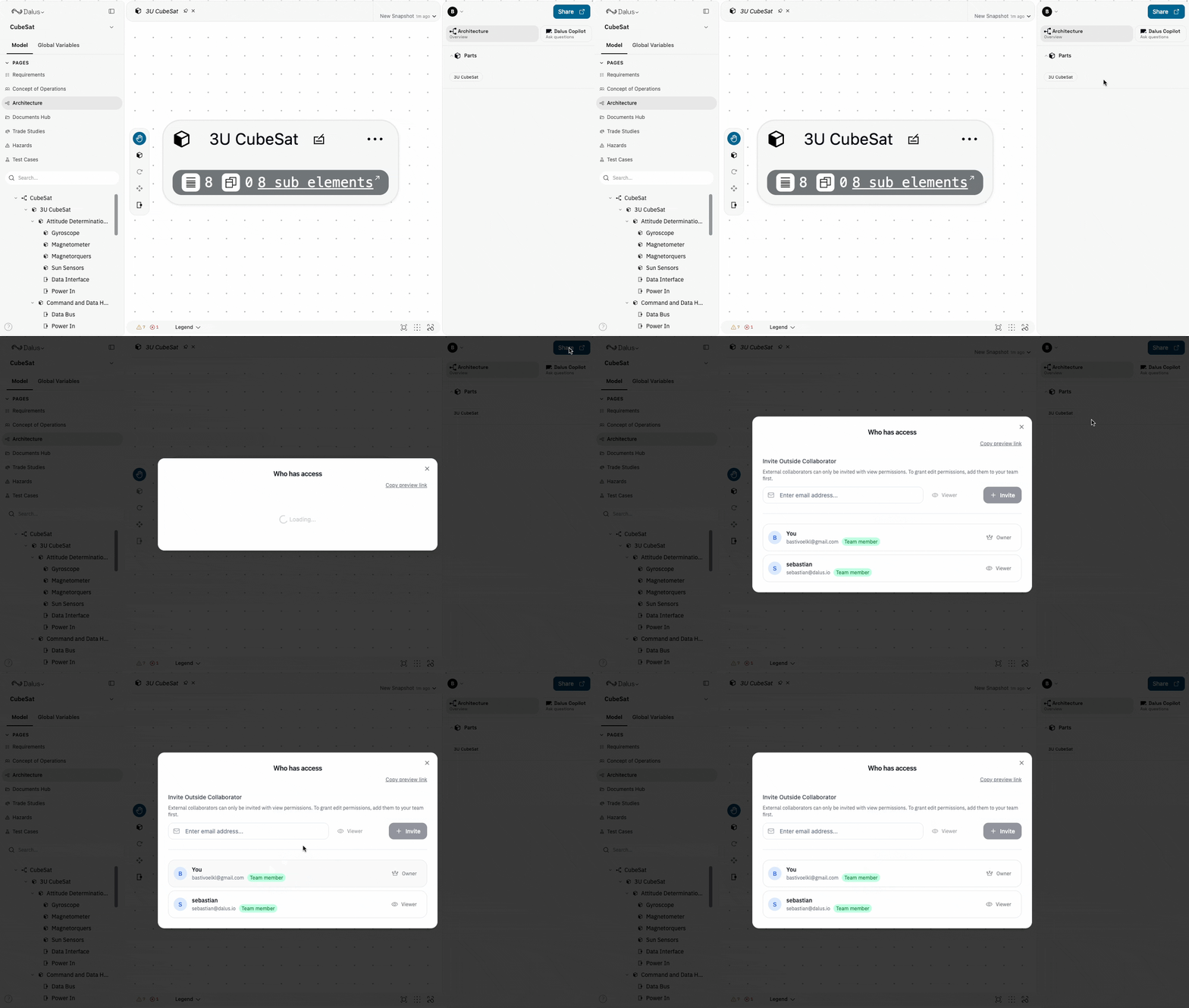
Real-time Collaboration
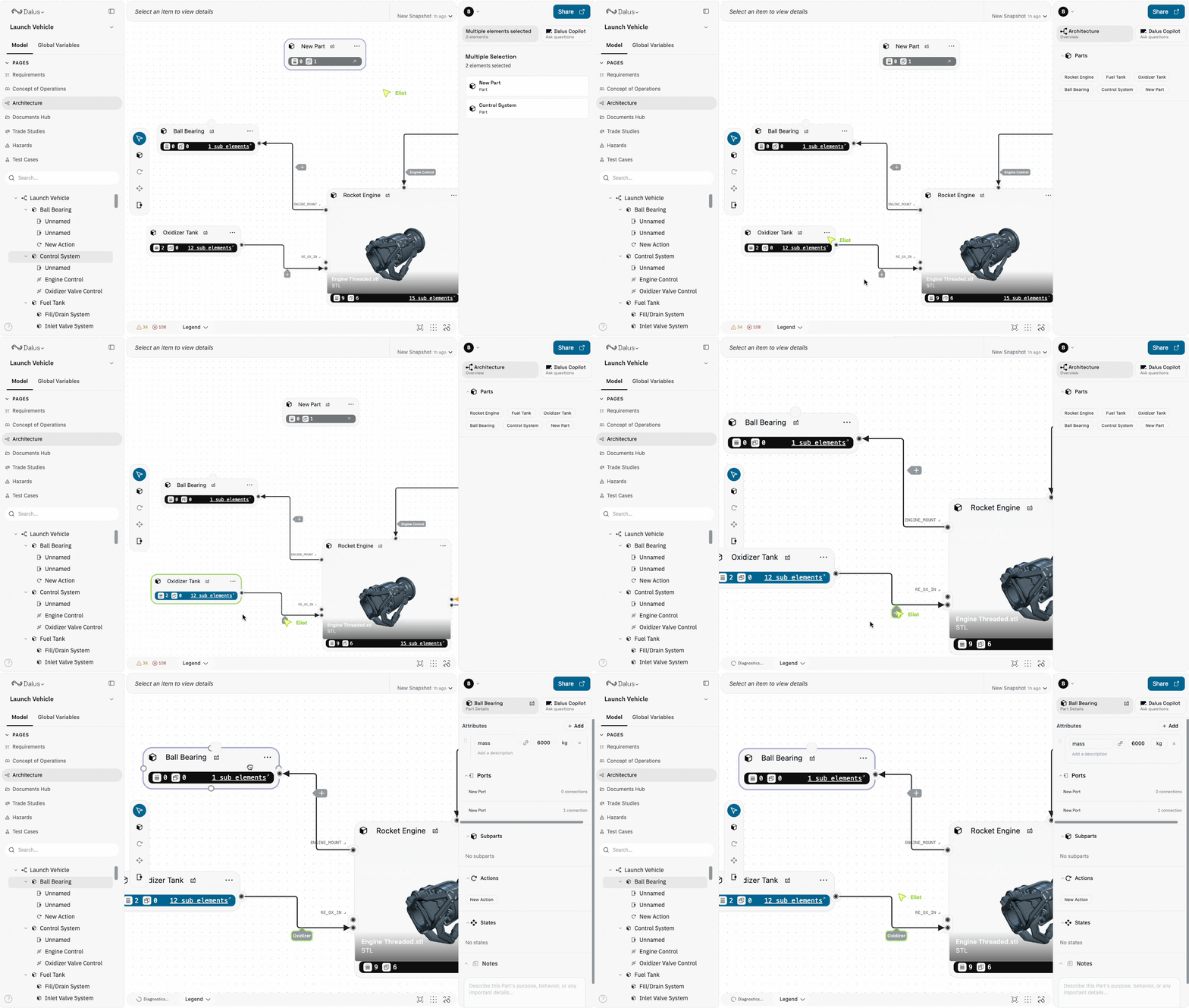
When multiple team members work on the same model:- Live Cursors — See where others are working in real-time
- Automatic Sync — Changes synchronize instantly across all users
- Conflict-free Editing — Work on different parts of the model simultaneously
Recents
Open Recents from the Left Sidebar in your Dashboard to quickly find your latest work across all teams. This shows models you’ve recently viewed or edited, regardless of which team owns them.Need help setting up your team or migrating existing work? Reach out to the Dalus team and we can help configure the right structure for your organization.