

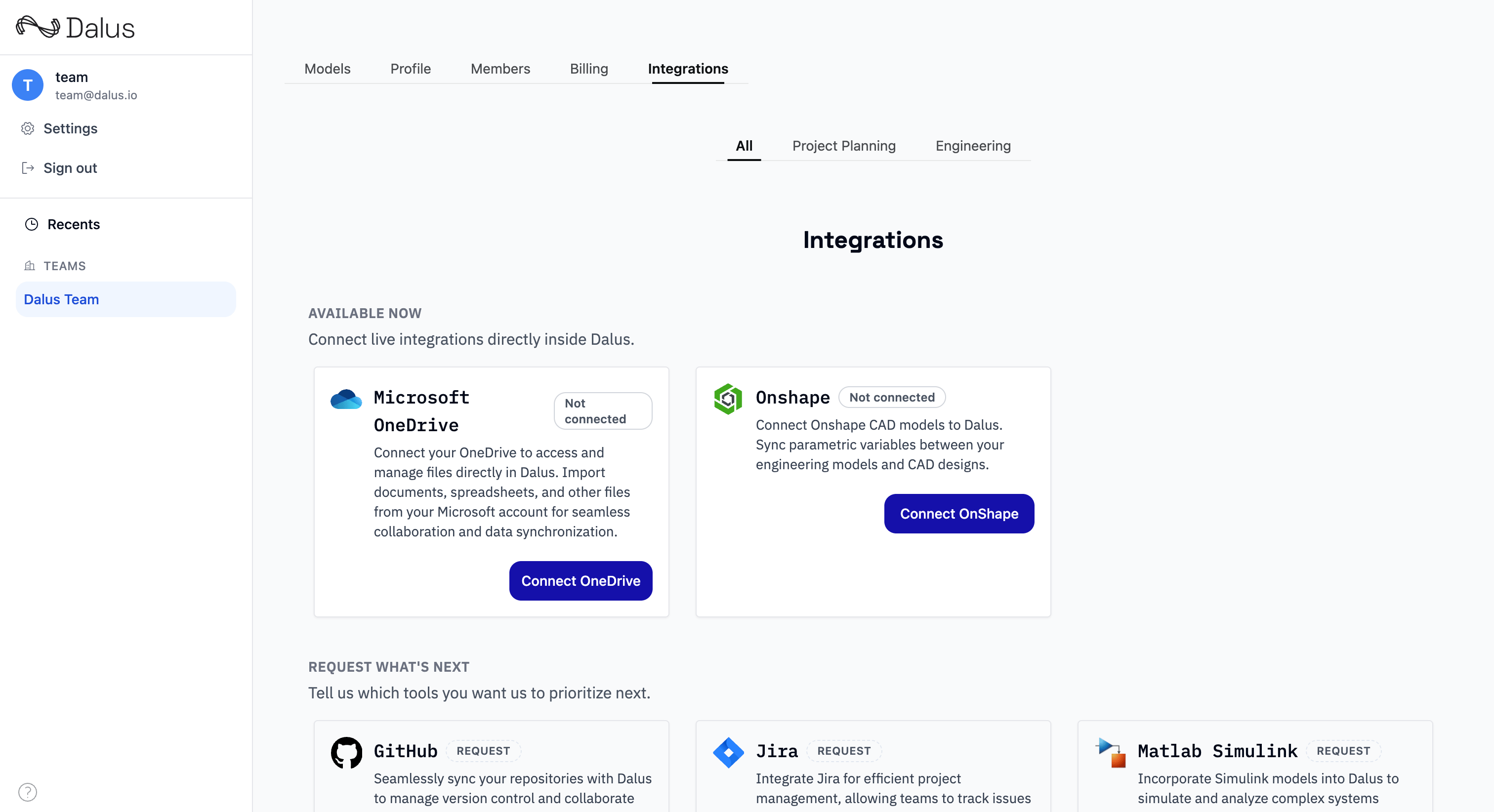
Microsoft OneDrive
Connect OneDrive to access and manage files directly in Dalus.Connect OneDrive
- Open the Teams page, select a team, then go to the Integrations tab
- Select Microsoft OneDrive and click Connect
- Sign in with Microsoft and approve access
Import from OneDrive
- Open the Documents Hub
- Click Import and select OneDrive
- Choose files and folders to import
Onshape
Connect Onshape to sync variables and part mass properties with your Dalus models.Connect Onshape
- Open the Teams page, select a team, then go to the Integrations tab
- Select Onshape and click Connect
- Paste your Onshape API key and secret, then save
Link Onshape Parts
Link a Part Studio part to sync mass properties (mass, volume, surface area, and related values).- Open a model and select a part
- In the right sidebar, choose Link to Onshape
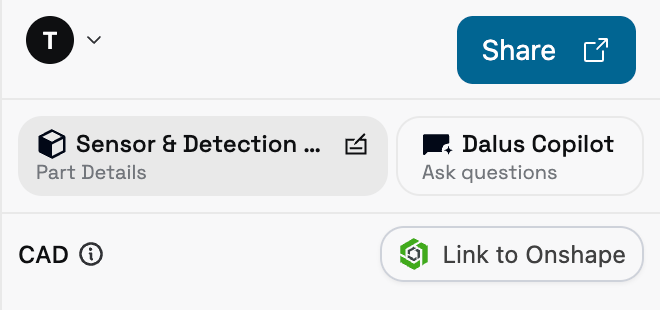
- Select the Onshape document, workspace/version/microversion, and Part Studio
- Choose the part (or the aggregate part) and confirm
Notes
- Variable bindings are bidirectional; the most recent write wins
- Part links sync mass properties into Dalus variables
- Onshape connections are team-scoped; admins and owners manage access
Data Synchronization
Importing from Other MBSE Tools
Dalus can import models from other systems-engineering platforms. Supported formats include:- SysML XMI — Standard interchange format for SysML models
- ReqIF — Requirements Interchange Format for requirements data
- Custom JSON — Contact support for custom mapping configurations